 Coming Soon to iOS & Android
DigiFolio
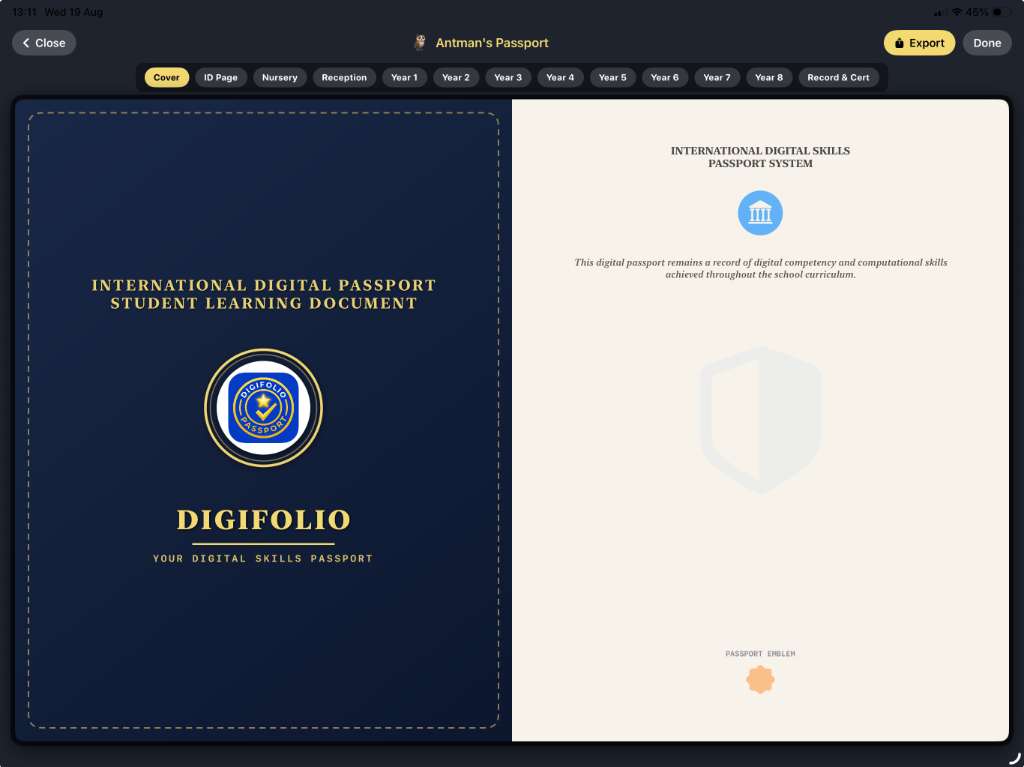
The Digital Skills Passport
From Passive Scrolling to Operational Literacy
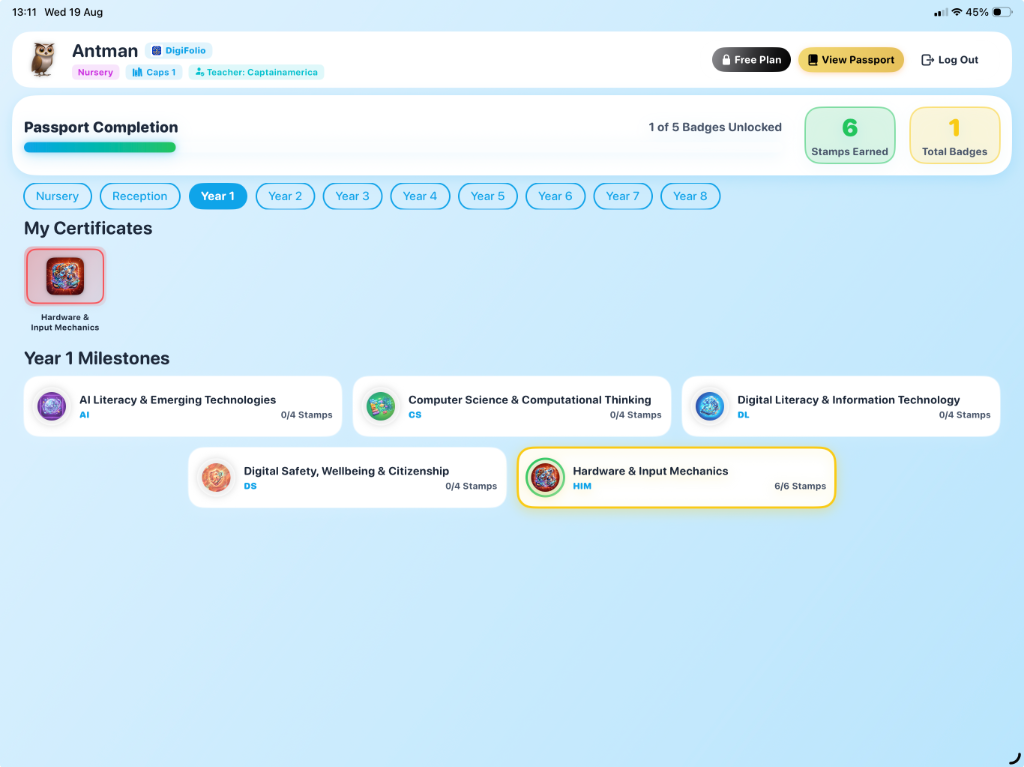
Traditional computing curricula often assume a baseline of physical operational literacy. In reality, today's students are often "passive scroll" literate but struggle with functional workstation operations. DigiFolio re-integrates crucial operational mechanics alongside standard Computer Science, AI Literacy, and Cybersecurity, adapting to students aged 3 to 14 (Nursery to Year 8) using gamified progression.
The 5 Master Skill Areas
Mapped from Early Years Foundation Stage (EYFS) to Key Stage 3, tracking over 300+ macro and micro skills.
AI Literacy & Emerging Technologies
Machine learning model training, recognizing automated recommendations, identifying data biases, understanding generative AI writing, and deepfake verification.
Computer Science & Computational Thinking
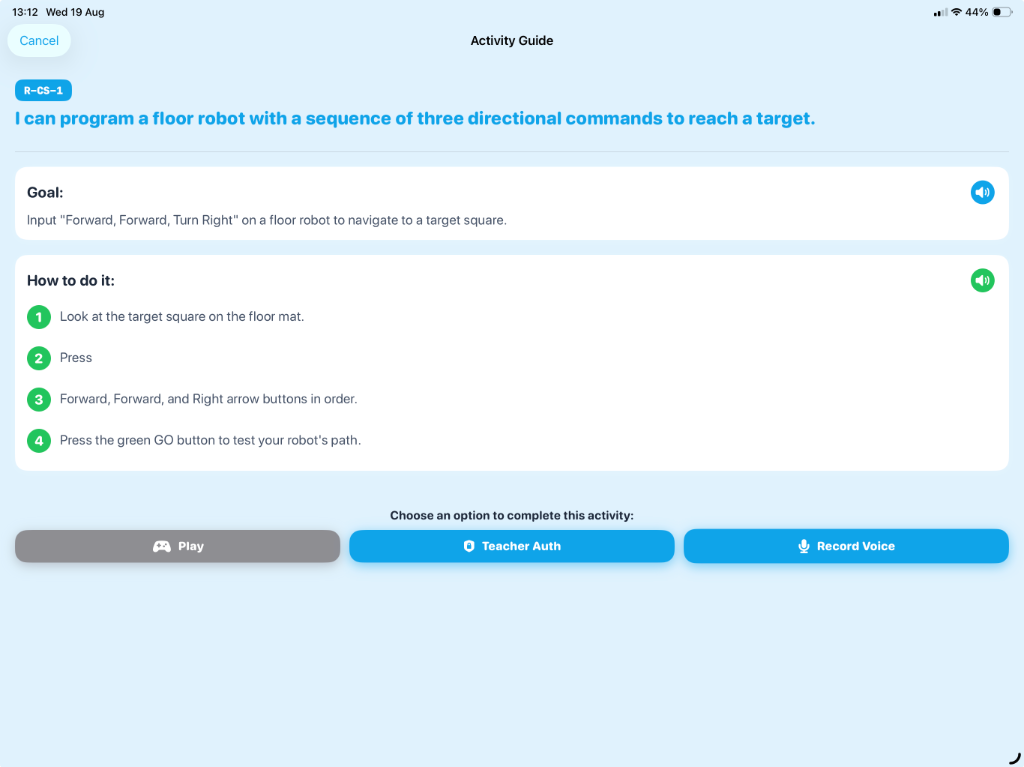
Algorithms as instructions, debugging, modular block programming, variables, visual simulations, textual Python coding, procedures, and Boolean logic.
Digital Literacy & Information Technology
Document formatting, 3D spatial modeling, flat-file and relational databases, formula entry, media credibility evaluation, and search engine optimization.
Digital Safety, Wellbeing & Citizenship
Digital footprint protection, identifying fake news, password pass-phrases, malware recognition, and data encryption.
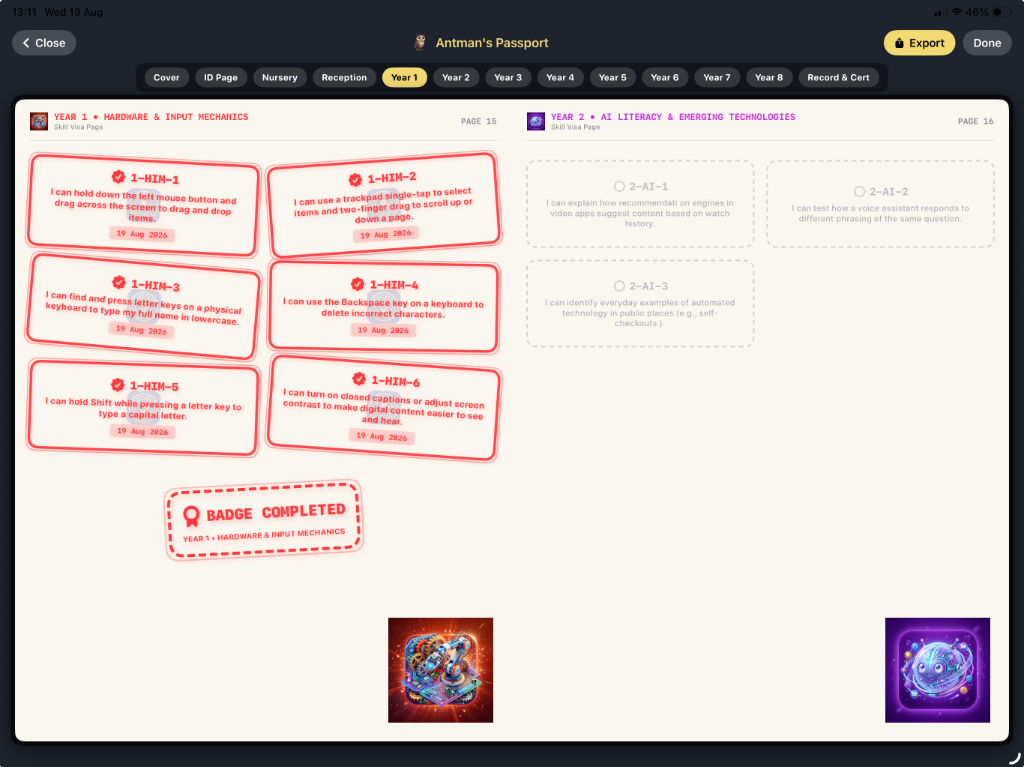
Hardware & Input Mechanics
Typing posture/speed, trackpad cursor targeting, multi-finger gestures, dictation tools, and workstation operation mechanics.
Automated Validation Framework
DigiFolio simulates actual on-device automated challenges for students, demonstrating that the app can self-test and self-verify skills directly, reducing the administrative burden on teachers.
Typing Precision Challenge
Verifies home row placement and spelling logic by calculating live character accuracies before stamping credentials.
Cursor Targeting Challenge
Tests motor tracking by recording mouse clicks on coordinate-shifting visual targets.
Touchscreen Gesture Simulator
Records scale/zoom transformations and coordinate offsets to ensure touch literacy before saving progress.
Sequencer Debugger
Validates programmatic execution flow by requiring students to rearrange code parameters to fix run errors.